Screen candidates on internet speed
Hiring remote? Now you can check a candidate's actual connection speed as part of their application, instead of taking their word for it.
What's New
New Internet Speed Test response type under Standard Responses
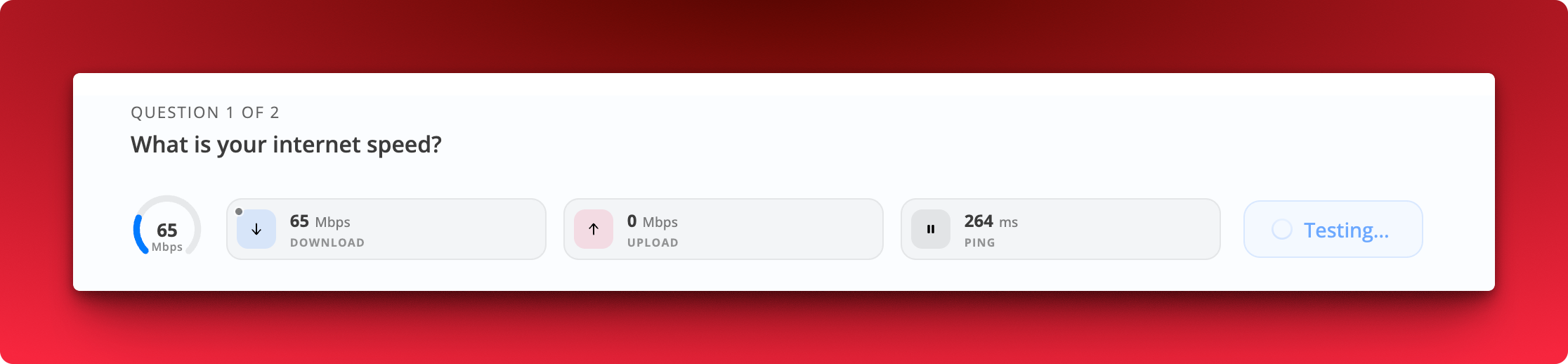
Candidates run a live test during the application. Download speed, upload speed, and ping are recorded with their submission.
Set scoring criteria so candidates are ranked on the result
How It Works
Where: Job → Questions → Standard Responses
Add a question and pick Internet Speed Test from the Response type dropdown.
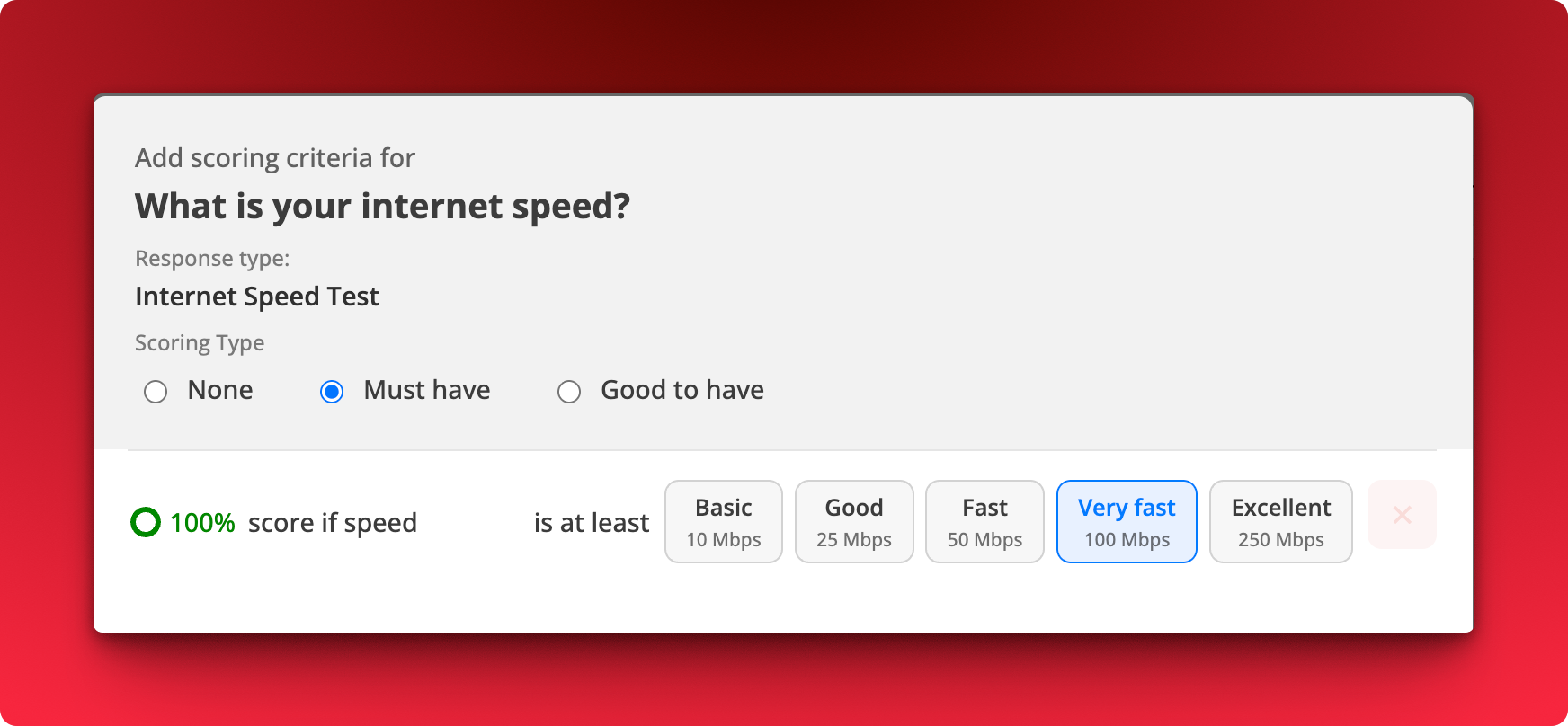
Add scoring criteria on the question. Choose Must have, Good to have, or None.
Pick a speed threshold for a 100% score: Basic (10 Mbps), Good (25 Mbps), Fast (50 Mbps), Very fast (100 Mbps), or Excellent (250 Mbps).
Notes
Mark it Required if you want every applicant to complete the test.
Results reflect the candidate's connection at the time of applying.